Stop Running IT Without a Runbook
An IT runbook documents every critical procedure your team needs to recover fast. Find out what belongs in one and why skipping it is a costly mistake.
Key Takeaways
- An IT runbook is a documented set of procedures your team follows to handle outages, errors, and routine tasks.
- Without a runbook, recovery time after an IT failure depends entirely on whoever happens to be available.
- A good runbook covers system inventory, credentials, escalation contacts, and step-by-step recovery sequences.
- Runbooks reduce human error during high-pressure incidents by replacing guesswork with clear, tested instructions.
- Even a small team with a partial runbook is far more resilient than one relying entirely on individual memory.
An IT runbook is a documented collection of procedures, configurations, and step-by-step instructions that tells anyone on your team exactly how to handle a specific IT situation — from a server restart to a full system recovery. Without one, your IT runbook gap quietly becomes your single biggest operational risk, because recovery speed depends entirely on whoever happens to be available and what they can remember under pressure.
What Does an IT Runbook Actually Contain?
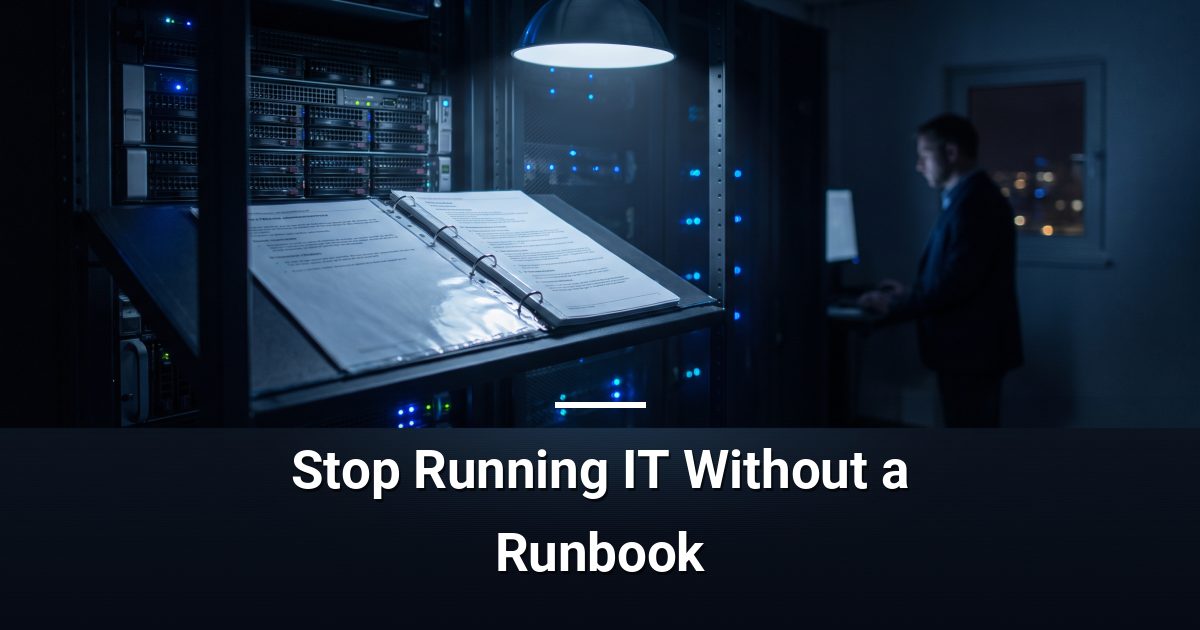
A runbook is not one document — it is a structured library of procedures, each written for a specific scenario. Think of it as the instruction manual your IT environment has never had.
- System inventory: What hardware and software you run, where it lives, and how components depend on each other.
- Credentials and access: Where passwords are stored, who holds admin rights, and how to retrieve access in an emergency.
- Step-by-step procedures: Exact instructions for common tasks — restarting a service, restoring a backup, or resetting a user account.
- Escalation contacts: Who to call, in what order, when a problem exceeds the first responder's ability to resolve it.
- Recovery sequences: The precise order in which systems must come back online after an outage, because sequence matters.
Why Is Skipping a Runbook Such a Costly Mistake?
Most IT failures are not catastrophic on their own. The real damage comes from the scramble that follows — staff guessing at procedures, hunting for passwords, or waiting for the one person who knows the system to become available.
Without documented procedures, every incident takes longer than it should. Recovery stretches from minutes into hours. And because no two people remember a process the same way, errors compound the original problem.
How Does a Runbook Speed Up Recovery?
When an outage hits, a runbook removes the need to think from scratch under pressure. Your team opens the relevant procedure and follows it — no debate, no memory lapses, no waiting for a specific colleague.
This matters especially when key staff are unavailable — on holiday, ill, or no longer with your organisation. A runbook transfers institutional knowledge from individual heads into a shared, accessible format.
What About Routine Maintenance?
Runbooks are not only for emergencies. They also cover routine tasks: monthly patch cycles, backup verification checks, and user onboarding and offboarding steps. Consistent execution of these procedures prevents the small oversights that quietly grow into serious vulnerabilities.
What Makes a Runbook Actually Useful?
A runbook that sits in a shared drive, never updated, provides false confidence. To be genuinely useful, it needs a few qualities:
- Plain language: Written so that someone unfamiliar with the system can follow it without prior context.
- Version control: Updated every time a system changes, not once a year if someone remembers.
- Regular testing: Procedures should be walked through periodically to confirm they still work as written.
- Offline accessibility: If your systems are down, a runbook stored only in the cloud may be unreachable exactly when you need it most.
Where Do You Start Building One?
Start with the scenario that would hurt most. Ask yourself: if your email server went down right now, could any team member restore it without calling a specific individual? If the answer is no, that procedure is your first entry.
Work outward from your highest-risk systems. Document the recovery sequence for each one, then layer in routine maintenance procedures. A partial runbook completed today is more valuable than a perfect one planned for later.
Take the First Step Toward IT Resilience
If your organisation does not have a current, tested IT runbook, you are one incident away from an avoidable scramble. MYDWARE helps teams across the region build the documentation, processes, and managed IT support needed to recover quickly and operate with confidence. Start with a free IT and cybersecurity risk assessment to identify exactly where your gaps are.
Darryl Cresswell
CEO & President
MYDWARE IT Solutions Inc.