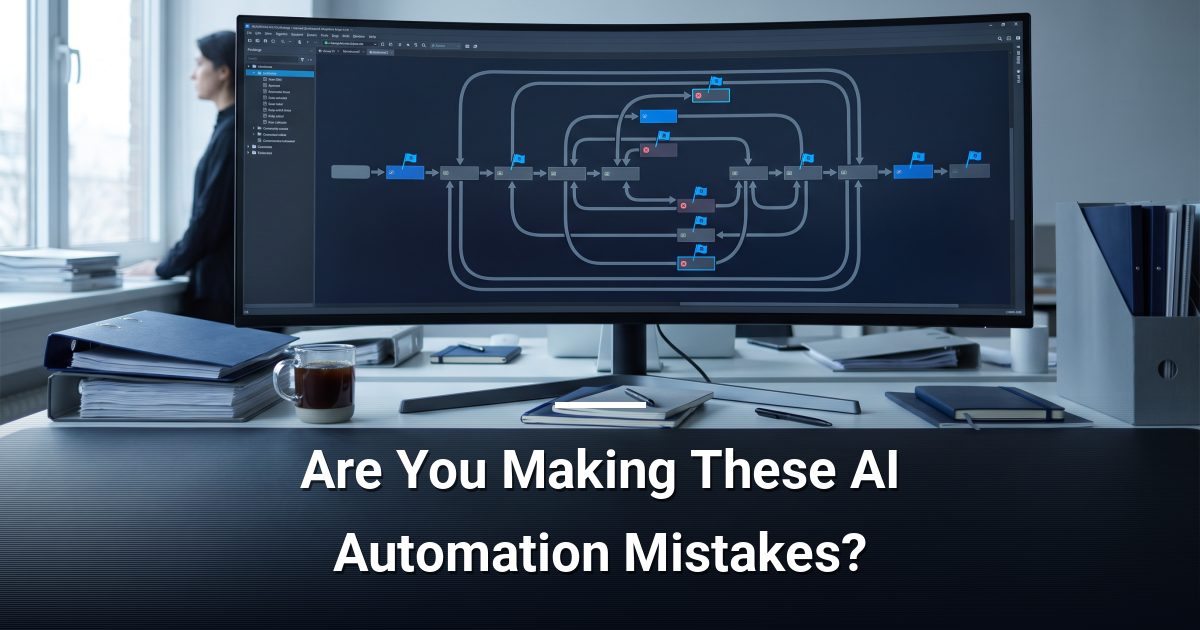
Are You Making These AI Automation Mistakes?
AI automation mistakes can quietly drain productivity instead of boosting it. Discover the most common implementation pitfalls and how to avoid them.
Key Takeaways
- Automating a flawed workflow embeds its inefficiencies at scale, making problems harder to catch and fix.
- Over-automating complex, judgement-heavy tasks often slows teams down rather than freeing them up.
- Skipping a process audit before deploying AI tools is one of the most common and costly mistakes.
- Poorly defined success metrics make it impossible to know whether automation is actually helping.
- Regular human oversight checkpoints are essential to keep AI tools working as intended over time.
AI automation mistakes happen when tools are deployed before workflows are fully understood, turning a promising investment into an operational liability. The most damaging errors share one trait: they are quiet. Productivity erodes gradually, and by the time the problem is obvious, it has already cost your team time, money, and morale.
Why Does AI Automation So Often Disappoint?
The appeal is straightforward — automate repetitive work, free up your team, reduce errors. The reality is that AI tools amplify whatever process they are plugged into. A flawed workflow automated at scale becomes a flawed workflow running faster and producing more mistakes. Most disappointments trace back to implementation choices, not the technology itself.
What Are the Most Common AI Automation Mistakes?
Automating Before You Audit
Deploying an AI tool on top of a process you have never formally mapped is one of the most common errors. If you do not know every step, every exception, and every decision point in a workflow, you cannot configure automation to handle them correctly. Document the process in full before you touch a single setting.
Removing Human Review Too Early
Automation works best when it handles volume and humans handle judgement. Stripping out review steps to save time is tempting, but decisions involving customer relationships, compliance, or financial accuracy should never be fully delegated to an automated system without a human checkpoint. Build in approval gates and keep them, even when things appear to be running smoothly.
Over-Automating Complex Decisions
Some tasks look repetitive but are actually judgement-heavy. Routing a simple support ticket is automatable. Deciding how to respond to a frustrated long-term client is not. When you automate nuanced decisions, you get outputs that are technically correct but contextually wrong — and that erodes trust faster than handling things manually would.
Skipping Success Metrics
If you do not define what success looks like before you deploy, you have no way to know whether the tool is helping or quietly causing harm. Set specific, measurable targets — time saved per task, error rate, volume handled — and review them on a fixed schedule. Without a baseline, you are flying blind.
How Do You Keep Automation on Track?
Implementation is only the beginning. AI tools do not self-correct when your processes, team, or software stack change — they keep running the logic they were given. A few practices help:
- Assign a named human owner to every automated workflow, responsible for monitoring outputs and flagging anomalies.
- Schedule quarterly reviews of each automation, not just when something breaks.
- Watch for staff working around a tool rather than with it — that behaviour is usually a signal the automation is misconfigured or applied to the wrong task.
- Start with a single low-risk process before scaling. What you learn from one deployment shapes every one that follows.
Why Does Oversight Matter More as You Scale?
As automation handles more of your operations, the consequences of undetected errors grow. A misconfigured rule applied to ten transactions a week becomes a significant problem when it is applied to five hundred. Scaling without proportionally increasing your review rigour is one of the most overlooked AI automation mistakes organizations make. Keep humans informed and in control of outcomes, not just outputs.
Ready to Implement AI Automation Without the Pitfalls?
Getting automation right starts with understanding your current environment — your workflows, your risks, and where technology genuinely fits. If you are unsure where to begin, book a complimentary risk assessment with MYDWARE to identify gaps in your processes and build a technology plan grounded in how your operations actually work.
Darryl Cresswell
CEO & President
MYDWARE IT Solutions Inc.