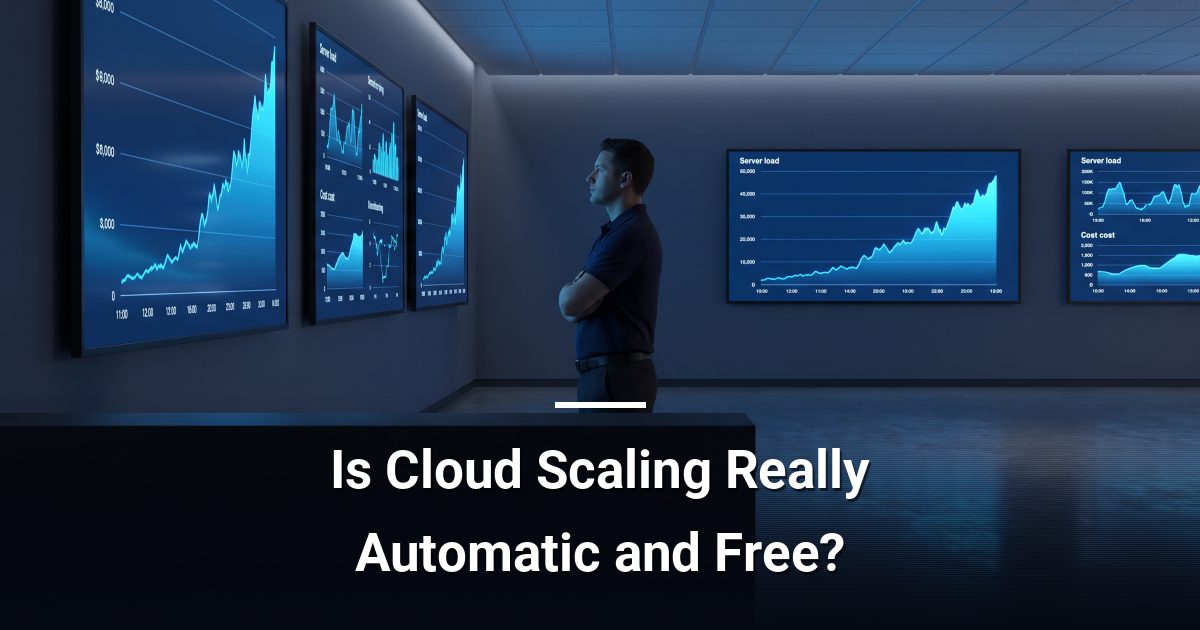
Is Cloud Scaling Really Automatic and Free?
Cloud scalability myths lead organisations to overspend and face outages. Understand what capacity planning, configuration, and spend controls actually require.
Key Takeaways
- Cloud scaling is not automatic — someone must configure triggers, thresholds, and limits before it works.
- Without spend controls, a single scaling event can multiply your monthly cloud bill overnight.
- Scaling your application layer does not automatically scale your database, storage, or API limits.
- Capacity planning still matters in the cloud; both over-provisioning and under-provisioning carry real costs.
- Testing your scaling configuration under synthetic load is the only way to confirm it holds up under pressure.
Cloud scalability myths lead many organisations to assume that moving workloads to the cloud means unlimited, automatic, and essentially free growth. In reality, scaling requires deliberate capacity planning, careful configuration of automation rules, and hard spend controls — none of which happen on their own.
Does the Cloud Scale Itself Without Any Setup?
Cloud platforms offer auto-scaling tools, but those tools do nothing until you configure them. You must define the conditions that trigger a scale-out event — CPU thresholds, memory limits, request queues — and set a ceiling so scaling does not run indefinitely.
An unconfigured auto-scaling group defaults to a fixed instance count and will not grow at all when demand spikes. The capability exists; activating it correctly is your responsibility or your managed provider's.
Is Cloud Scaling Truly Instant?
Spinning up additional compute instances takes time — typically one to several minutes depending on the platform, the image size, and the configuration complexity. For applications that see sudden, sharp traffic spikes, that delay can mean real service degradation before new capacity comes online.
The practical fix is a combination of minimum instance counts and pre-warming strategies, both of which cost money even when traffic is low. There is a direct trade-off between readiness and spend — and that trade-off requires a conscious decision, not a default setting.
Myth: Scaling One Layer Scales Everything
This is one of the most damaging cloud scalability myths in practice. Adding more web or application servers does not automatically scale your:
- Database tier — most managed databases require a separate scaling action or tier upgrade
- Storage throughput and IOPS limits
- API rate limits imposed by third-party services
- Networking egress capacity in certain configurations
A scaled application layer hitting an unscaled database is a common cause of outages during growth events. Every tier must be reviewed as part of a coherent capacity plan.
Why Does Cloud Scaling Cost More Than Expected?
Cloud billing is consumption-based, which cuts both ways. When you scale out, you pay for every additional instance, every extra gigabyte of data transferred, and every additional read/write operation. Without budget alerts and maximum spend limits configured in advance, a single traffic surge or a misconfigured scaling rule can produce a bill far larger than your baseline.
Spend controls are not optional safeguards — they are a core part of cloud architecture. Set per-service budget thresholds, configure alerts at 80% of expected spend, and define hard caps where the platform allows them.
How Do You Plan Cloud Capacity Properly?
Effective capacity planning in the cloud is not dramatically different from on-premises planning — it just has more levers. Start with these fundamentals:
- Baseline your current usage across compute, storage, and network over a representative period.
- Model your growth scenarios — what does 2× traffic actually require at each tier?
- Set scaling policies with both a floor (minimum healthy capacity) and a ceiling (maximum permitted spend).
- Test under synthetic load before a real growth event forces the issue.
- Review monthly — cloud environments drift, and policies that were correct six months ago may no longer reflect your architecture.
Is Pay-As-You-Go Pricing Really That Simple?
The pay-as-you-go promise is real, but incomplete. Reserved instances, committed-use discounts, and minimum-term contracts are often necessary to achieve reasonable unit costs at scale. Organisations that rely purely on on-demand pricing frequently overpay compared to those with a considered purchasing strategy. Cost optimisation is an ongoing discipline, not a one-time configuration.
Ready to Scale Without the Surprises?
If your cloud environment has grown without a formal capacity plan or spend controls, now is the right time to review it.
Darryl Cresswell
CEO & President
MYDWARE IT Solutions Inc.