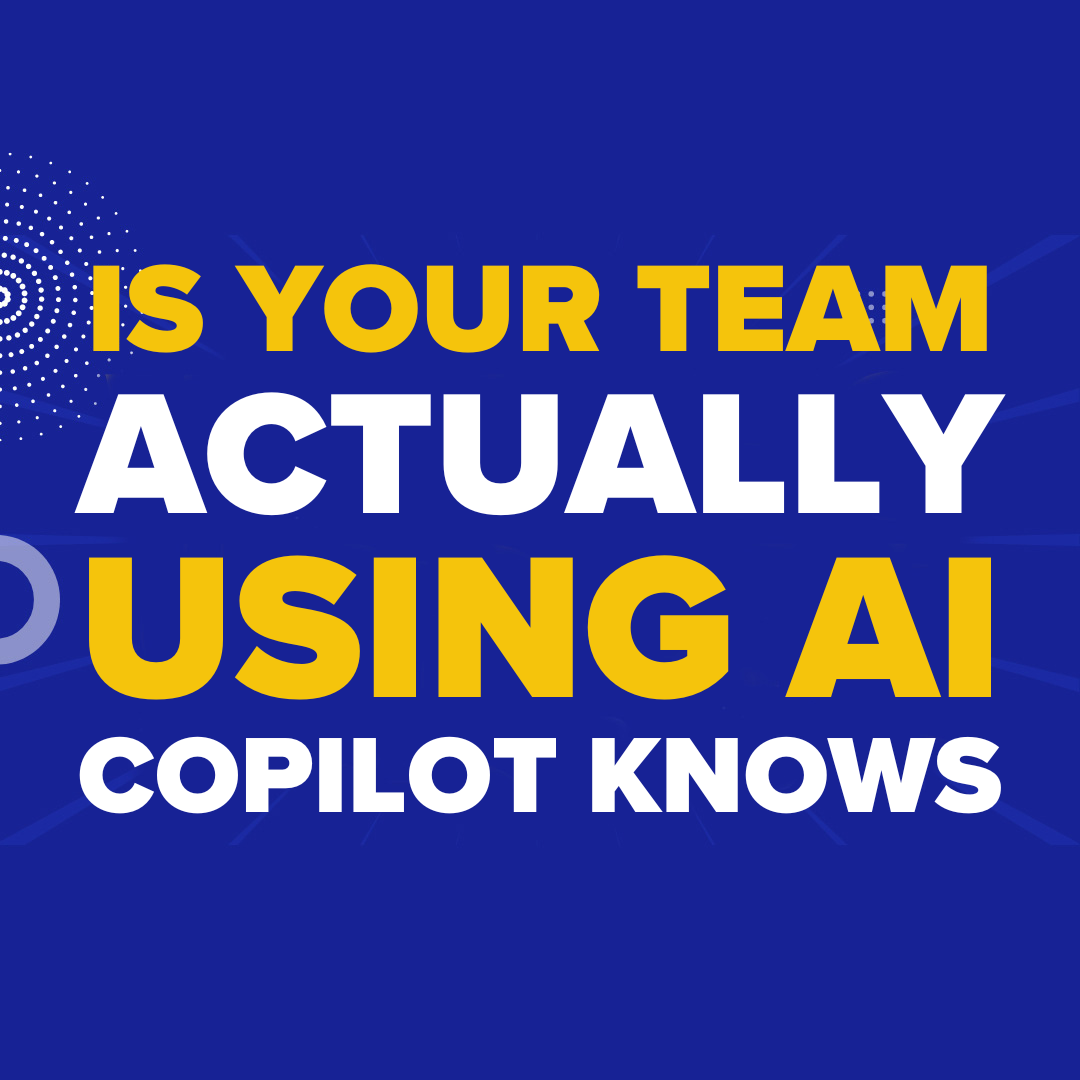
AI is a tool, not a magic wand. Rolling out Microsoft Copilot doesn’t guarantee employees are using it effectively.
For small businesses in the GTA and Simcoe County, it’s easy for new technology to sit unused, quietly gathering digital dust. Book a FREE Cybersecurity Risk Assessment NOW! while ensuring your team uses AI safely.
Understanding Copilot Usage in Your Organization
Before improving adoption, you need to know where your team stands. Microsoft’s new Copilot Dashboard, called Benchmarks, offers clarity. It lives inside Viva Insights and provides a clear view of Copilot activity across your company.
1. Tracking Active Users
Benchmarks shows how many employees actively use Copilot, which apps they rely on, and how often they return. This helps managers see who’s leveraging AI tools and who isn’t.
2. Comparing Across Businesses
You can also benchmark your usage against other similar companies—same size, same industry, or even the same region. This gives context to your AI adoption and highlights areas for improvement.
3. Privacy-Protected Insights
All external comparisons are anonymized and aggregated. Microsoft uses mathematical models to ensure privacy while giving meaningful adoption insights.
Why AI Adoption Stalls
Even with AI available, many teams struggle to integrate it into daily workflows. Research shows only about 5% of AI pilot programs progress beyond testing because adoption often fails.
1. Process Barriers
Some teams lack clear guidance on when or how to use AI. Without defined processes, employees may avoid the tool altogether.
2. Cultural Resistance
Employees might worry about judgment or being monitored. A supportive environment is essential for encouraging experimentation and building confidence.
3. Lack of Training
Most businesses provide minimal AI training. Offering structured support and learning opportunities is crucial for sustained adoption.
Using Benchmarks to Improve AI Confidence
Benchmarks doesn’t punish—it informs. You can see which teams are succeeding and which need help. Targeted coaching ensures AI tools are used effectively, boosting productivity and reducing frustration.
1. Identify Gaps
Spot teams that rarely use Copilot and investigate why. It might be lack of training, unclear processes, or simply unfamiliarity with the tools.
2. Provide Targeted Support
Once gaps are identified, you can deliver focused workshops or training sessions. This approach saves time and encourages faster AI adoption.
3. Integrate With IT Support
Combining AI adoption insights with Co-Managed IT support ensures employees use AI safely while maintaining security and compliance. Proper IT integration reduces risk and builds trust in technology.
Taking the Next Step
AI adoption isn’t automatic, but tools like Copilot Benchmarks make it measurable. With clear insights, training, and support, your team can embrace AI confidently in 2025.
Small business owners in the GTA and Simcoe County can now see exactly how AI is being used—and act on it. Book a FREE Cybersecurity Risk Assessment NOW! to protect your systems while empowering your team.
Darryl Cresswell
CEO & President
MYDWARE IT Solutions Inc.